See how curly hair looks on your face
Going curly is a big change — especially with a perm. Preview loose curls, tight coils, beach waves, and more on your own photo so you know exactly what to expect before sitting in the salon chair.
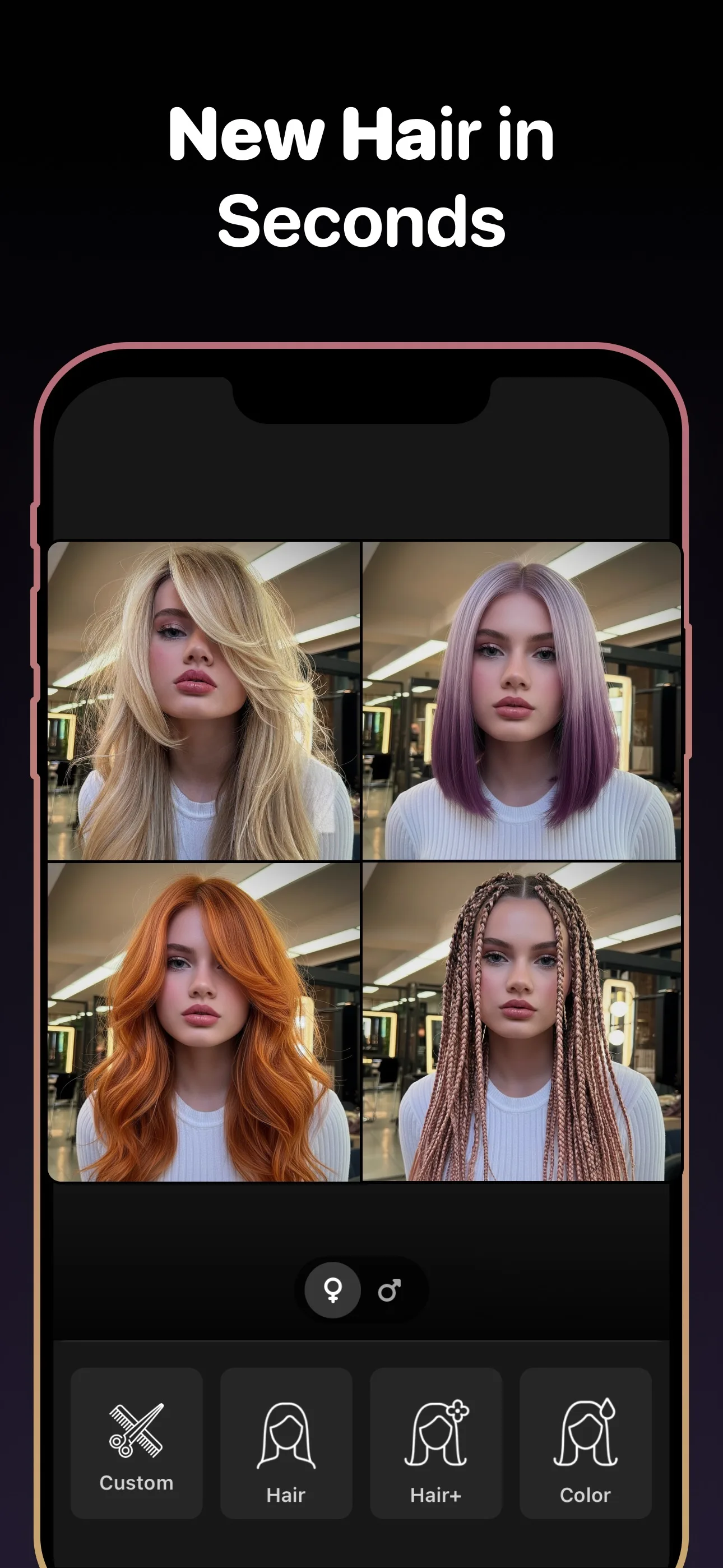
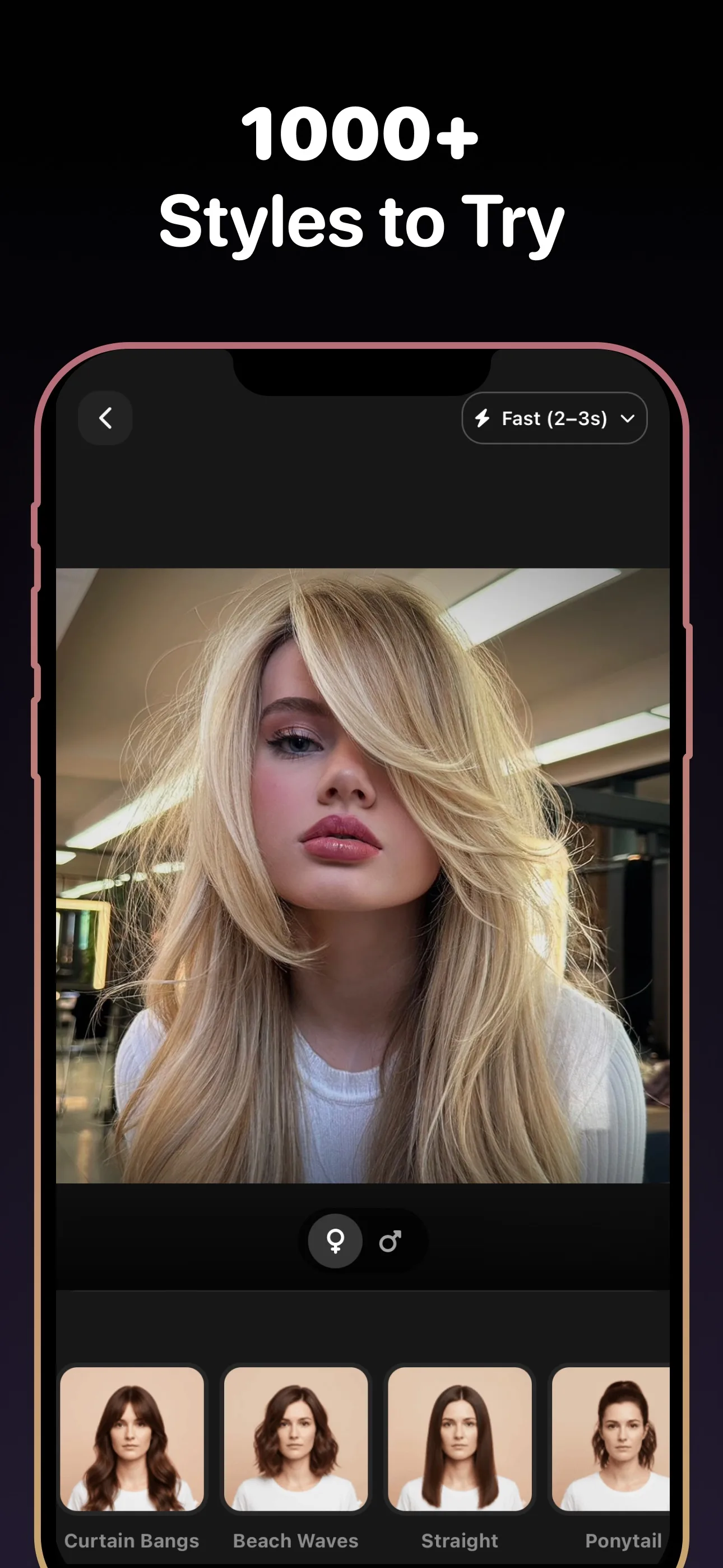
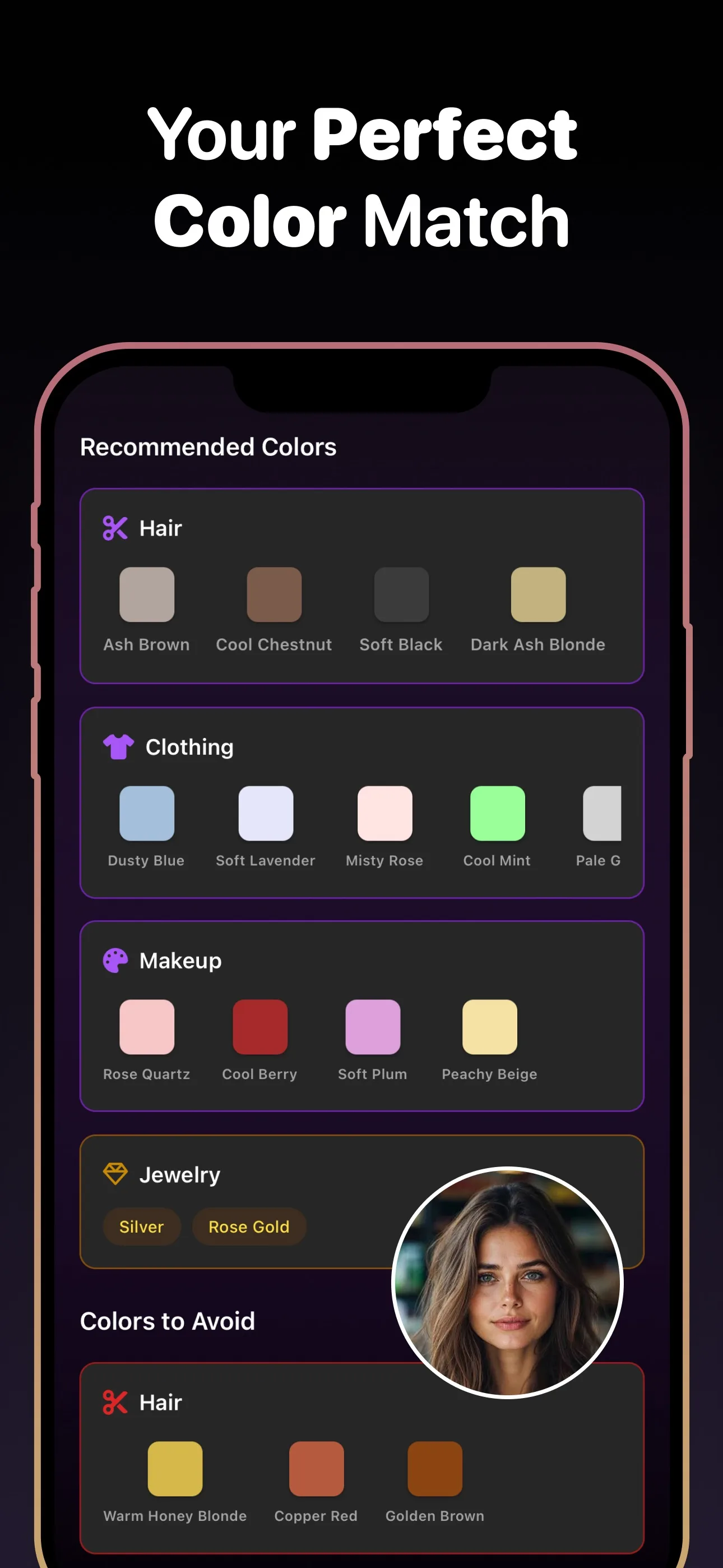
- 89+
- Styles to try
- 30+
- Hair colors
- 4.8★
- App rating
- Free
- To download
Curly styles to try on
Why preview curly hair before committing
Perms are hard to reverse
A perm chemically changes your hair structure and lasts for months. Seeing the curl pattern on your face first helps you decide if it is worth the commitment.
Curl type changes the whole look
Loose waves and tight ringlets create completely different impressions. Testing both on your photo helps you pick the right curl intensity.
See how curls frame your face
Curly hair adds volume and changes face framing dramatically. A preview shows whether curls complement your features or overwhelm them.
Curly hair try-on is essential when you are considering a perm
Getting a perm is one of the most permanent texture changes you can make. Unlike a haircut that grows out in weeks, a perm reshapes your hair for months. The curly hair try-on lets you preview different curl patterns on your own face so you can discuss the exact result you want with your stylist.
Compare different curl types before choosing
Not all curls are equal. Beach waves feel casual and loose, while tight ringlets create more volume and drama. Use the try-on tool to generate several curl variations and compare them side by side — the differences are much easier to see on your own photo than in a style catalog.
Frequently asked questions
Frequently Asked Questions
Q1 Can I see what I would look like with curly hair?
Yes. Upload a selfie and the AI will generate a realistic preview of your face with different curl types, from soft waves to tight coils.
Q2 Does the curly hair try-on work on straight hair?
Yes. The tool works regardless of your current hair texture. It generates the curly style on your photo from scratch.
Q3 Can I preview a perm before getting one?
Yes. The perm simulator shows you different curl intensities so you can choose the right pattern before committing to a chemical treatment.
Q4 What is the difference between beach waves and a perm?
Beach waves are typically looser and more relaxed, while a perm produces more defined, uniform curls. You can preview both styles on your photo to see which one you prefer.
Q5 Does it show how curls affect my face shape?
Yes. Curly hair adds width and volume around the face. The preview helps you see whether the added volume flatters your features or needs adjustment.
Q6 Can I save the curly hair preview for my stylist?
Yes. Save your favorite curl result and bring it to your salon appointment as a clear reference for the perm or style you want.
Try curly hair on your photo for free
Download Hairstyle AI and see this style on your photo in seconds.
No credit card. No signup. Just results.